

The Mechanics of Crash Dumps
The dump file serves as a digital black box. It records the sequence of events leading up to the failure. Without this data, diagnosing a crash is like trying to solve a crime without a witness. The file is the primary evidence. It holds the key to identifying the root cause of the instability. For additional details, review the FaultFox AI Tech Troubleshooting.
How AI Parses Error Data
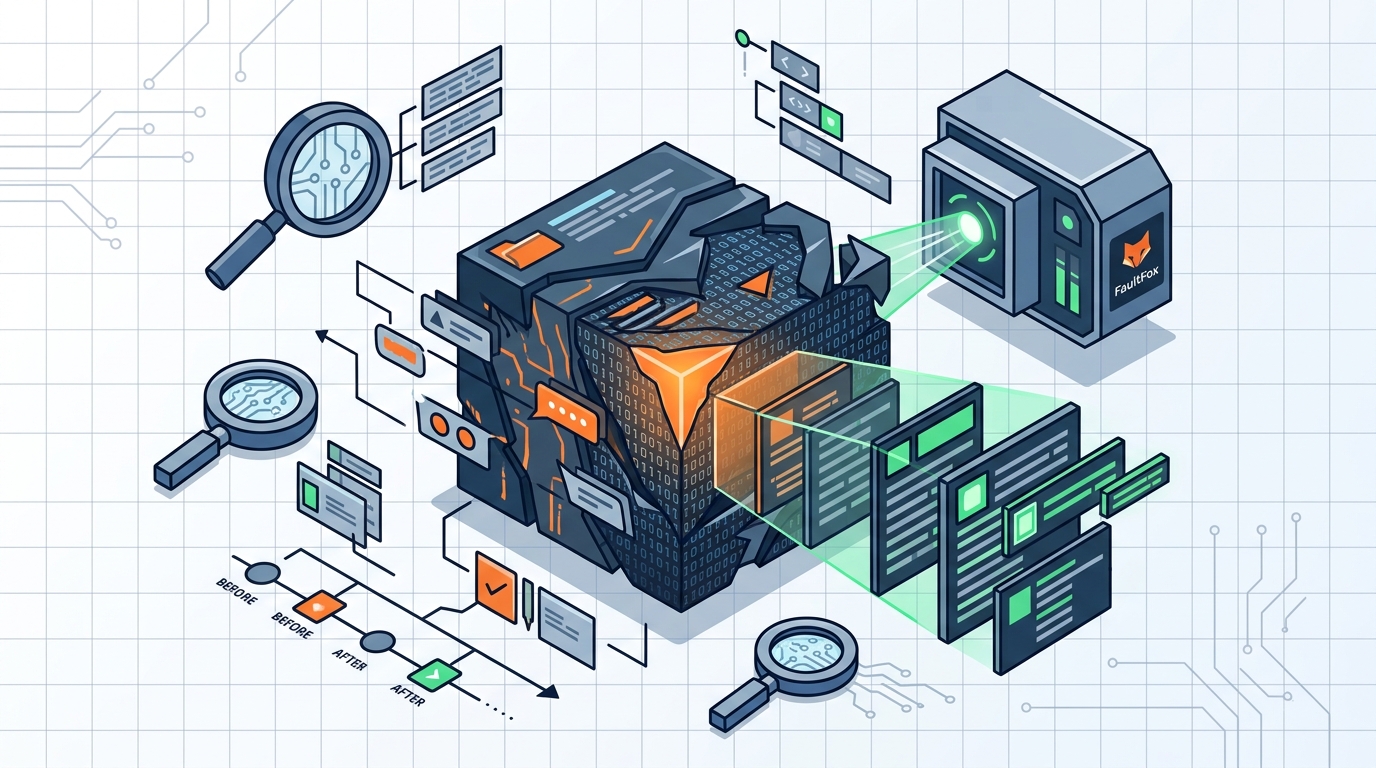
Artificial intelligence models can process the raw data from these dump files. They extract specific error codes, such as STOP codes, and map them to known issues. This process involves pattern recognition. The AI compares the current crash data against a vast database of historical crash reports. It looks for similar signatures in other systems. For additional details, review the .
For example, a specific memory management error often points to a faulty RAM module. The AI identifies the module name and the specific instruction that failed. It then correlates this with known hardware defects. This allows the system to suggest a specific hardware test rather than a generic restart. The analysis is precise and data-driven. For additional details, review the Customer Experience.
This capability transforms raw data into actionable insights. The AI does not just read the error; it interprets the context. It understands the relationship between the failing driver and the system architecture. This contextual understanding is what separates AI analysis from simple error code lookup. It provides a narrative of the failure. For additional details, review the Frequently Asked Questions.
From Code to Cause
Translating technical codes into plain English is the core value of AI in this space. A user sees a cryptic message like DRIVER_POWER_STATE_FAILURE. The AI explains that a device driver failed to enter a low-power state. It identifies the specific device, such as a network adapter or a USB controller. This clarity helps the user know exactly what to fix. For additional details, review the About.
Consider a scenario where a laptop crashes when it goes to sleep. The dump file shows a power management error. The AI identifies the Wi-Fi driver as the culprit. It explains that the driver is not handling the sleep command correctly. The user can then update or reinstall that specific driver. This targeted approach saves hours of trial and error.
The implication is a faster resolution time. Users do not need to be experts to understand the problem. The AI acts as a translator between the machine and the human. It bridges the gap between complex system internals and user-friendly instructions. This makes advanced troubleshooting accessible to everyone.
Practical Troubleshooting Workflows
Using AI for crash analysis follows a logical workflow. First, the system captures the dump file. Next, the AI parses the file and extracts key data points. It then generates a report with the likely cause and recommended actions. This report is presented in clear, non-technical language. The user can follow the steps without needing deep technical knowledge.
For instance, if the AI detects a memory leak in a specific application, it will suggest checking for updates. It may also recommend running a memory diagnostic tool. The steps are ordered by likelihood of success. This prioritization helps the user focus on the most probable fix first. It reduces the cognitive load of troubleshooting.
FaultFox integrates this workflow into its platform. It guides users through the process of uploading their dump files. It then provides the analysis and the step-by-step fixes. This end-to-end approach ensures that users not only understand the problem but also know how to solve it. The platform simplifies the entire diagnostic journey.
Limitations of AI Analysis
While powerful, AI analysis has limits. It relies on the quality of the data provided. If the dump file is corrupted or incomplete, the analysis may be inaccurate. Hardware issues that do not leave a clear digital signature can be difficult to diagnose. The AI can suggest tests, but it cannot physically inspect the hardware.
Additionally, the AI is only as good as its training data. Newer hardware or software may not have enough historical crash data for accurate pattern matching. In these cases, the AI may provide a general recommendation rather than a specific fix. Users should treat the AI's output as a strong starting point, not an absolute truth.
Human judgment is still required for final decisions. The AI provides the evidence and the likely cause. The user must decide whether to proceed with the suggested fix. This collaboration between AI and human ensures the best outcomes. It leverages the speed of AI and the judgment of the user.
Key Takeaways
- AI parses Windows crash dump files to identify the specific driver or hardware causing the failure.
- It translates technical error codes into plain English explanations for users.
- The analysis is based on pattern matching against historical crash data. according to Crash Statistics
- This approach reduces troubleshooting time by providing targeted, step-by-step fixes.
- AI acts as a translator between complex system internals and user-friendly instructions.
- Users should treat AI analysis as a starting point and use human judgment for final decisions.
- FaultFox provides a platform for uploading dump files and receiving AI-driven diagnostics.
Frequently Asked Questions
What is a Windows crash dump file?
A Windows crash dump file is a binary file that captures the state of the system memory when a crash occurs. It contains data about loaded drivers, running processes, and hardware states. This file is used for diagnosing the cause of the crash.
How does AI analyze these files?
Can AI diagnose hardware problems?
AI can suggest hardware tests based on error patterns in the dump file. It cannot physically inspect the hardware. It identifies the component that is likely failing and recommends specific diagnostic tools. according to Windows Error Reporting
Is the analysis always accurate?
The analysis is highly accurate for known issues but may be less precise for new or rare problems. It relies on historical data. Users should use the AI's output as a guide and verify the findings with additional tests.
Do I need to be a technical expert to use this?
No, you do not need to be a technical expert. The AI translates the technical data into plain English. It provides step-by-step instructions that are easy to follow. This makes advanced troubleshooting accessible to all users.
Where can I find AI tools for this?
You can use platforms like FaultFox, which are designed to help users diagnose tech problems. These tools allow you to upload your crash dump files and receive AI-driven analysis and fixes.