

Security Risks of AI Troubleshooting Platforms
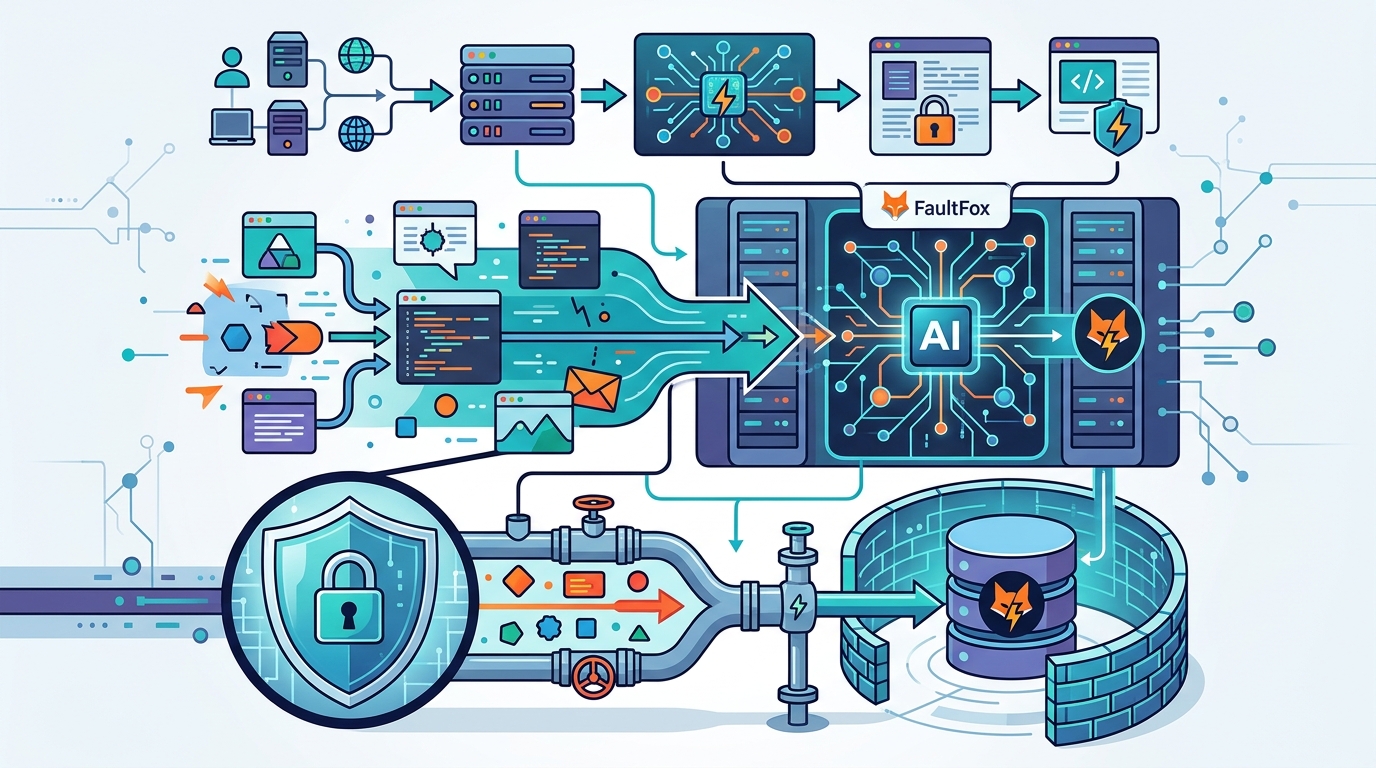
Using AI troubleshooting tools like FaultFox requires careful attention to data privacy. These platforms process sensitive system information to diagnose issues, creating potential exposure points. Users must understand how their data is handled, stored, and protected. This guide outlines the primary security risks and practical steps to mitigate them before you submit your first error log. For additional details, review the FaultFox AI Tech Troubleshooting.
The Data Exposure Risk
Model Training and Data Retention
Third-Party Integrations and API Risks
Phishing and Social Engineering Vectors
AI platforms can be used as vectors for phishing attacks. Attackers may create fake AI troubleshooting sites that look legitimate. These sites are designed to harvest user credentials or install malware. When you visit a fake site, you may be prompted to enter your system password or download a "fix" tool. This tool is actually malware. The AI interface makes the request seem helpful and trustworthy. This is a form of social engineering. Users must be vigilant about the source of the AI tool they are using. Always verify the URL and the domain name. FaultFox should have a recognizable and secure domain. Check for HTTPS encryption and valid SSL certificates. If a site asks for more permissions than necessary, it is likely a scam. For example, a troubleshooting tool should not ask for your banking credentials. Be skeptical of any request that seems out of place. Educate yourself on common phishing tactics. This awareness is your first line of defense against these types of attacks. For additional details, review the .
Best Practices for Secure Usage
You can significantly reduce your security risk by following best practices. First, use a dedicated user account for AI troubleshooting. Do not use your primary email or password. This limits the damage if the account is compromised. Second, redact sensitive information before submitting data. Remove passwords, API keys, and personal identifiers from error logs. Third, use a virtual private network (VPN) when accessing AI platforms. This encrypts your traffic and hides your IP address. Fourth, keep your operating system and software up to date. This ensures that any vulnerabilities are patched. Fifth, review the platform's security documentation. Look for information on encryption, access controls, and incident response. FaultFox should provide clear guidance on how to use their service securely. By following these steps, you can enjoy the benefits of AI troubleshooting while minimizing your risk. Security is a shared responsibility between the user and the provider. Take an active role in protecting your data. For additional details, review the Customer Experience.
Key Takeaways
- AI troubleshooting platforms process sensitive system data, creating potential exposure points. For additional details, review the Frequently Asked Questions.
- Model training and data retention practices can leave your data vulnerable for extended periods. For additional details, review the About.
- Third-party integrations introduce supply chain risks that you should investigate.
- Phishing attacks often use fake AI interfaces to harvest credentials or install malware.
- Use a dedicated account and redact sensitive information before submitting data.
- Verify the platform's security certifications and data handling policies.
- Keep your system updated and use a VPN for added protection.
Frequently Asked Questions
Does FaultFox store my troubleshooting data?
FaultFox should provide clear information on data retention policies. You should review their privacy policy to understand how long your data is kept and whether it is used for model training.
Is it safe to paste error messages into an AI chat?
It can be safe if you redact sensitive information. Remove passwords, API keys, and personal identifiers before submitting your error logs to minimize risk.
How can I tell if an AI troubleshooting site is a scam?
Check the URL, SSL certificate, and domain name. Be skeptical of sites that ask for unnecessary permissions or credentials. Verify the platform's reputation and security certifications.
Do AI platforms use my data to train their models?
Many AI companies use user inputs for model training. You should look for an opt-out option in the platform's settings or privacy policy to prevent your data from being used this way.
What is a supply chain risk in AI platforms?
A supply chain risk occurs when a third-party service used by the AI platform is compromised. This can expose your data even if the AI platform itself is secure. Investigate the third-party providers used by your chosen tool.
Should I use a VPN when accessing AI troubleshooting tools?
Yes, using a VPN adds an extra layer of security. It encrypts your traffic and hides your IP address, making it harder for attackers to target you.