

Automated Error Analysis and Pattern Recognition
Traditional troubleshooting often relies on manual log reading and forum searches. This process is slow and prone to human error. AI diagnostic tools change this workflow by instantly parsing error codes and system logs. The system identifies the root cause rather than just the symptom. This shift from reactive guessing to proactive diagnosis saves significant time on every ticket. For additional details, review the Customer Experience.
For example, when a client reports a Blue Screen of Death, an AI tool can immediately correlate the crash dump with known driver conflicts. It might identify a specific network adapter driver version as the culprit. The specialist then applies the fix directly. This precision eliminates the need to test multiple unrelated solutions. The result is a faster resolution and a more confident client interaction. For additional details, review the Frequently Asked Questions.
Natural Language Processing for Client Communication
Freelancers often struggle to translate technical jargon into plain language for non-technical clients. AI tools bridge this gap by generating clear, human-readable explanations. They take complex technical data and reformat it into simple steps. This improves the client experience and reduces follow-up questions. It also allows the specialist to focus on the fix rather than the explanation. For additional details, review the About.
Consider a scenario where a printer is offline. The AI tool detects a spooler service failure. It then generates a message for the client that says, "Your computer is stuck waiting to send print jobs. I will restart the print service to clear the jam." This clarity builds trust. It positions the freelancer as a professional who communicates effectively, not just a technician who fixes hardware.
Predictive Maintenance and Proactive Support
For instance, an AI tool might detect that a hard drive is showing early signs of failure. It alerts the specialist to back up data immediately. The freelancer can then schedule a drive replacement. This proactive step prevents data loss and demonstrates high-level care. It transforms the service from a repair shop into a managed IT partner. This shift often leads to recurring revenue and long-term client retention.
Integration with Remote Support Workflows
During a remote session for a slow computer, the AI tool can run a full system scan in the background. It identifies background processes consuming resources. The specialist sees the results instantly on their dashboard. They can then terminate the offending process or adjust settings. This real-time data access removes the need for the client to describe symptoms in detail. It streamlines the entire remote support interaction.
Reducing Cognitive Load for Specialists
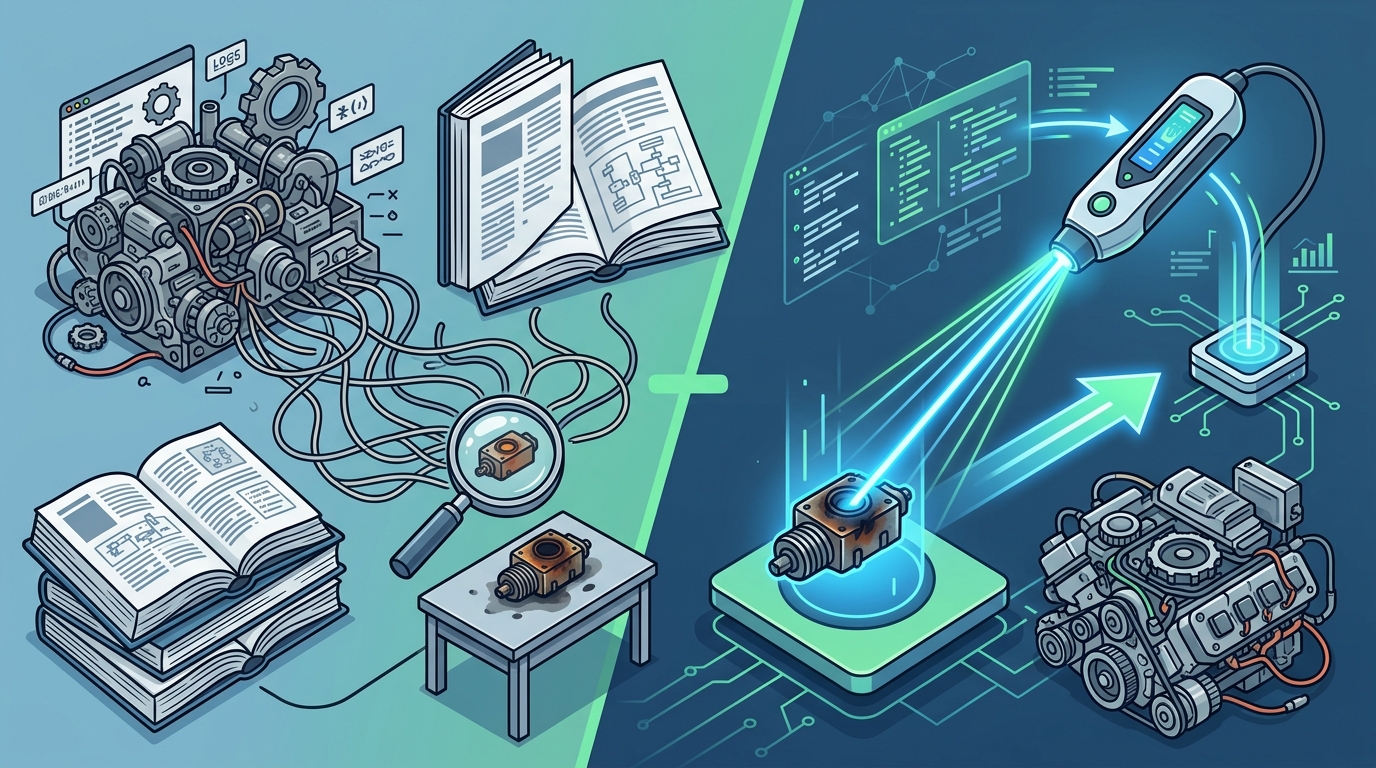
Freelancers often juggle multiple clients and diverse technology stacks. This variety creates high cognitive load. AI diagnostic tools act as a second brain, handling the recall of specific fixes. They store vast libraries of solutions for different operating systems and hardware. The specialist does not need to memorize every error code. They can rely on the tool to provide the correct fix.
When a freelancer encounters a rare Linux kernel panic, the AI tool retrieves the specific patch or configuration change. It provides the exact command to run. This reduces the mental strain of remembering niche technical details. It allows the specialist to focus on the broader strategy of the repair. Lower cognitive load leads to fewer mistakes and faster decision-making. It helps freelancers maintain high performance even during busy periods.
Key Takeaways
- AI tools automate error analysis, reducing the time spent on manual log reading.
- Natural language processing helps freelancers explain technical issues clearly to clients.
- Predictive maintenance allows for proactive support, preventing data loss and crashes.
- AI reduces cognitive load by providing instant access to vast solution libraries.
- These tools improve client satisfaction and increase the number of jobs a freelancer can handle.
Frequently Asked Questions
Do AI diagnostic tools replace human judgment?
No, they augment it. AI provides data and suggestions, but the human specialist makes the final decision on how to apply the fix. The tool handles the analysis, while the freelancer handles the client relationship and complex edge cases.
Can AI tools handle all types of tech problems?
They are best for software, network, and driver issues. Hardware failures that require physical inspection still need human intervention. However, AI can help diagnose the likely hardware component that is failing.
How much time can AI diagnostics save?
Studies suggest that automated diagnostics can reduce resolution time by up to 40% for common issues. The exact savings depend on the complexity of the problem and the specific tool used.
Are these tools difficult to learn?
Do I need to be an expert to use AI tools?
No. These tools are designed to assist users of all skill levels. They provide step-by-step guidance, making it easier for less experienced freelancers to handle complex issues confidently.