

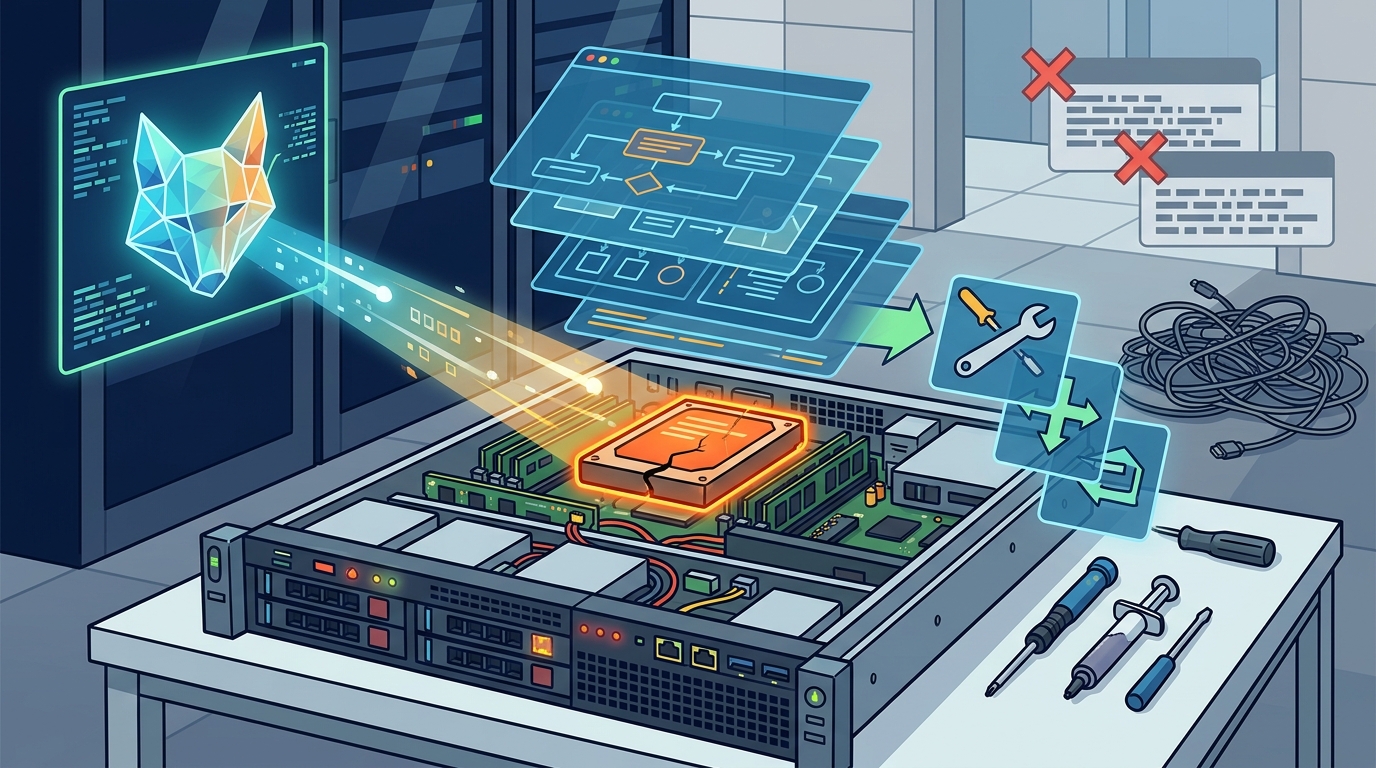
AI tools help you troubleshoot tech problems faster by analyzing error messages, identifying root causes, and generating step-by-step fixes. Instead of searching forums for outdated solutions, you can input your specific issue into an AI assistant. This approach reduces the time spent on repetitive diagnostics. It allows you to focus on applying the solution rather than finding it. FaultFox provides a structured environment for this process.
The Shift from Reactive to Proactive Diagnostics
Traditional troubleshooting is often reactive. You wait for a system to fail before you begin investigating. This delay causes significant downtime for both individuals and businesses. AI changes this dynamic by enabling proactive identification of issues. MIT Sloan Management Review notes that AI tools help organizations shift to proactively identifying and solving problems. This shift is critical for maintaining operational continuity. For additional details, review the Customer Experience.
Proactive diagnostics involve monitoring system health continuously. AI algorithms analyze logs and performance metrics in real time. They detect anomalies that might precede a total failure. For example, a sudden spike in disk I/O latency can indicate a failing drive. An AI tool can flag this before the drive crashes. This early warning allows for scheduled maintenance rather than emergency repairs. For additional details, review the Frequently Asked Questions.
The implication of this shift is a reduction in unexpected outages. Users experience fewer interruptions to their workflow. Organizations can plan maintenance windows without disrupting critical operations. This level of foresight was previously impossible without expensive, dedicated monitoring infrastructure. Now, it is accessible through integrated AI features. For additional details, review the About.
Decoding Complex Error Messages
Consider a Windows Blue Screen of Death (BSOD). The error code might be CRITICAL_PROCESS_DIED. Without context, this is unhelpful. An AI assistant can explain that a critical system process has stopped unexpectedly. It can then suggest checking for recent driver updates or hardware conflicts. This immediate context saves hours of searching. It guides the user toward the most likely cause.
This capability is particularly useful for non-technical users. They may not understand the difference between a software bug and a hardware failure. AI bridges this knowledge gap. It provides a clear path forward based on the specific error encountered. This reduces frustration and empowers users to take action.
Generating Context-Aware Step-by-Step Fixes
Generic advice often fails because it does not account for specific system configurations. A fix that works on one computer may not work on another. AI tools generate context-aware solutions. They consider your operating system version, installed software, and hardware specs. This personalization increases the success rate of the fix.
For instance, a network connectivity issue might have different causes depending on your router model. An AI tool can ask clarifying questions to narrow down the problem. It might ask about your internet service provider or recent changes to your network. Based on your answers, it provides a tailored sequence of steps. This is more effective than a generic "restart your router" suggestion.
The implication is a higher first-fix rate. Users are more likely to resolve the issue on the first attempt. This reduces the need for escalation to professional support. It also builds user confidence in their ability to manage their own technology. FaultFox is designed to provide these clear, step-by-step fixes for a wide range of tech problems.
Reducing Downtime Through Automation
Time is a critical factor in troubleshooting. Every minute spent diagnosing a problem is a minute of lost productivity. AI tools reduce this time by automating repetitive diagnostic tasks. They can run a series of tests and collect data automatically. This eliminates the need for manual log analysis.
Automation also enables faster recovery. Once a root cause is identified, AI can suggest or even execute remediation steps. For example, it can restart a failed service or roll back a problematic update. This speed is essential for minimizing downtime. It allows systems to return to normal operation quickly.
Key Takeaways
- AI tools shift troubleshooting from reactive to proactive by identifying issues before they cause failure.
- They translate complex error messages into plain language, making them understandable for non-technical users.
- Context-aware fixes account for specific system configurations, increasing the success rate of solutions.
- Automation of diagnostic tasks reduces the time spent on repetitive manual checks.
- Faster diagnosis and remediation lead to reduced downtime and higher productivity.
- AI bridges the knowledge gap between end users and technical support.
- Proactive monitoring and automated fixes are now accessible without expensive infrastructure.
Frequently Asked Questions
How does AI improve the speed of troubleshooting?
AI improves speed by automating diagnostic tasks and providing immediate, context-aware solutions. It eliminates the need for manual log analysis and forum searches. This allows users to move quickly from problem identification to resolution.
Can AI tools replace professional IT support?
AI tools can resolve many common issues, reducing the need for professional support. However, complex hardware failures or unique software bugs may still require expert intervention. AI serves as a first line of defense, handling routine problems efficiently.
What types of tech problems can AI troubleshoot?
AI can troubleshoot a wide range of issues, including operating system errors, network connectivity problems, printer malfunctions, and driver conflicts. It is particularly effective for software-related issues where error messages provide diagnostic clues.
Is it safe to use AI tools for troubleshooting?
Yes, AI tools are generally safe to use. They provide recommendations and guides but do not execute changes without your permission. You should always review suggested steps before applying them, especially for system-level changes.
How does FaultFox help with tech troubleshooting?
FaultFox helps by providing AI-driven diagnostics and step-by-step fixes. It analyzes error messages and guides you through clear, actionable solutions. This makes it easier to resolve common tech problems without extensive technical knowledge.
Do I need to be technical to use AI troubleshooting tools?
No, you do not need to be technical. AI tools are designed to be user-friendly. They explain technical concepts in plain language and provide simple, step-by-step instructions. This makes them accessible to users of all skill levels.
How can I get started with AI troubleshooting?
You can get started by using a platform like FaultFox. Input your specific error message or describe your problem. Follow the step-by-step guidance provided. This approach allows you to resolve issues quickly and effectively.