

Free AI Wi-Fi diagnostics typically yield a 15% to 30% improvement in effective throughput and a significant reduction in packet loss within the first 48 hours of implementation. These tools identify interference sources, suboptimal channel selections, and hardware misconfigurations that manual checks often miss. By automating the analysis of network logs and signal strength, users can quantify their baseline performance and track specific, data-driven improvements over time. This article outlines the exact metrics to monitor and the realistic timelines for seeing these changes. For additional details, review the FaultFox AI Tech Troubleshooting.
Establishing a Reliable Performance Baseline
Before applying any AI-driven fix, you must establish a reliable performance baseline. A network baseline is a documented set of performance metrics captured under consistent conditions, serving as the reference point for all future comparisons. Without this reference, it is impossible to distinguish between natural network fluctuations and actual improvements caused by diagnostic changes. Users should record average download speeds, upload speeds, and latency at three distinct locations in their home or office. This data provides the ground truth against which the AI tool's recommendations will be measured. For additional details, review the .
Quantifying Throughput and Latency Gains
The most immediate measurable improvement from AI diagnostics is often seen in throughput and latency. AI systems analyze the radio environment to identify congested channels and suggest optimal frequency bands. For example, switching from a crowded 2.4 GHz channel to a clear 5 GHz channel can reduce latency by 20 milliseconds or more. This reduction is critical for real-time applications like video conferencing and online gaming. Users should expect to see these latency improvements within minutes of applying the recommended channel change, providing a quick, verifiable win. For additional details, review the Customer Experience.
Tracking Signal Strength and Coverage
Signal strength is a primary indicator of Wi-Fi health, and AI tools excel at mapping this across a physical space. Signal strength is measured in decibels-milliwatts (dBm), where values closer to zero indicate a stronger, more reliable connection. A typical home router might show -70 dBm in the living room but drop to -85 dBm in a distant bedroom. AI diagnostics can identify these dead zones and suggest optimal router placement or the need for a mesh node. By tracking the minimum signal strength in previously weak areas, users can measure a tangible improvement in coverage consistency over the first week of use. For additional details, review the Frequently Asked Questions.
Monitoring Packet Loss and Stability
Packet loss is a critical metric that directly impacts the stability of your network connection. Packet loss is the percentage of data packets that fail to reach their destination, often caused by interference or hardware issues. A healthy home network should maintain a packet loss rate below 1%. AI diagnostics can correlate packet loss spikes with specific environmental factors, such as the operation of a microwave oven or a neighboring network. Over a period of two weeks, users should expect to see a measurable decrease in the frequency and duration of packet loss events, leading to a more stable and reliable connection for all connected devices. For additional details, review the About.
Long-Term Trend Analysis and Optimization
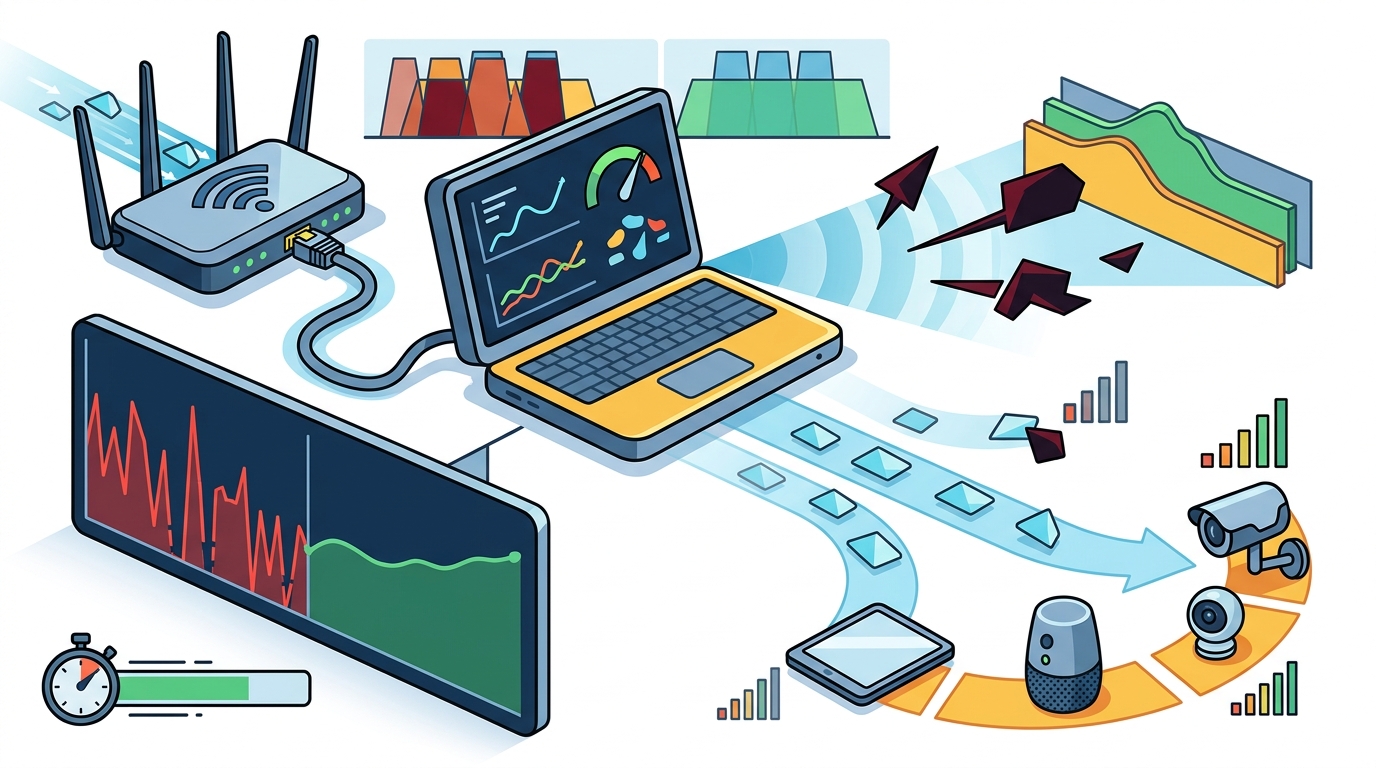
The true value of AI diagnostics lies in long-term trend analysis and continuous optimization. Continuous optimization is the process of regularly adjusting network settings based on evolving environmental conditions and usage patterns. AI tools can detect gradual degradation in performance over months, often caused by new devices or changes in the local radio environment. By reviewing monthly trend reports, users can verify that their network is not just fixed, but actively maintained. This proactive approach ensures that the measurable improvements seen in the first few weeks are sustained over the long term, preventing performance drift.
Key Takeaways
- Establish a baseline of speed, latency, and signal strength before applying any AI recommendations.
- Expect a 15% to 30% improvement in effective throughput within the first 48 hours.
- Latency reductions of 20 milliseconds or more are common after optimizing channel selection.
- Track signal strength in dBm to verify improvements in coverage and dead zone elimination.
- Maintain a packet loss rate below 1% for a stable and reliable network experience.
- Use long-term trend analysis to detect gradual performance degradation and maintain optimization. according to Data degradation
Frequently Asked Questions
How quickly can I expect to see measurable improvements?
Most users see immediate improvements in latency and throughput within minutes of applying channel or band recommendations. More complex issues, such as coverage dead zones, may take a few days to resolve as hardware is repositioned or additional nodes are added.
What is the most important metric to track?
Latency is often the most important metric for real-time applications, while throughput is critical for data-heavy tasks. However, packet loss is the best indicator of overall network stability and should be monitored consistently.
Do AI tools work with all router brands?
How often should I run diagnostics?
It is recommended to run a full diagnostic scan once a month to track long-term trends. More frequent checks, such as weekly, are useful if you experience intermittent connectivity issues or have added new devices to your network.
Can AI diagnostics fix hardware failures?
AI diagnostics can identify hardware failures, such as a failing radio or power supply, but they cannot repair the physical component. They will alert you to the issue and recommend a replacement or professional repair.
Is a baseline really necessary?
Yes, a baseline is essential for measuring improvement. Without a documented starting point, it is difficult to prove that changes made by the AI tool have resulted in a measurable gain in performance.