
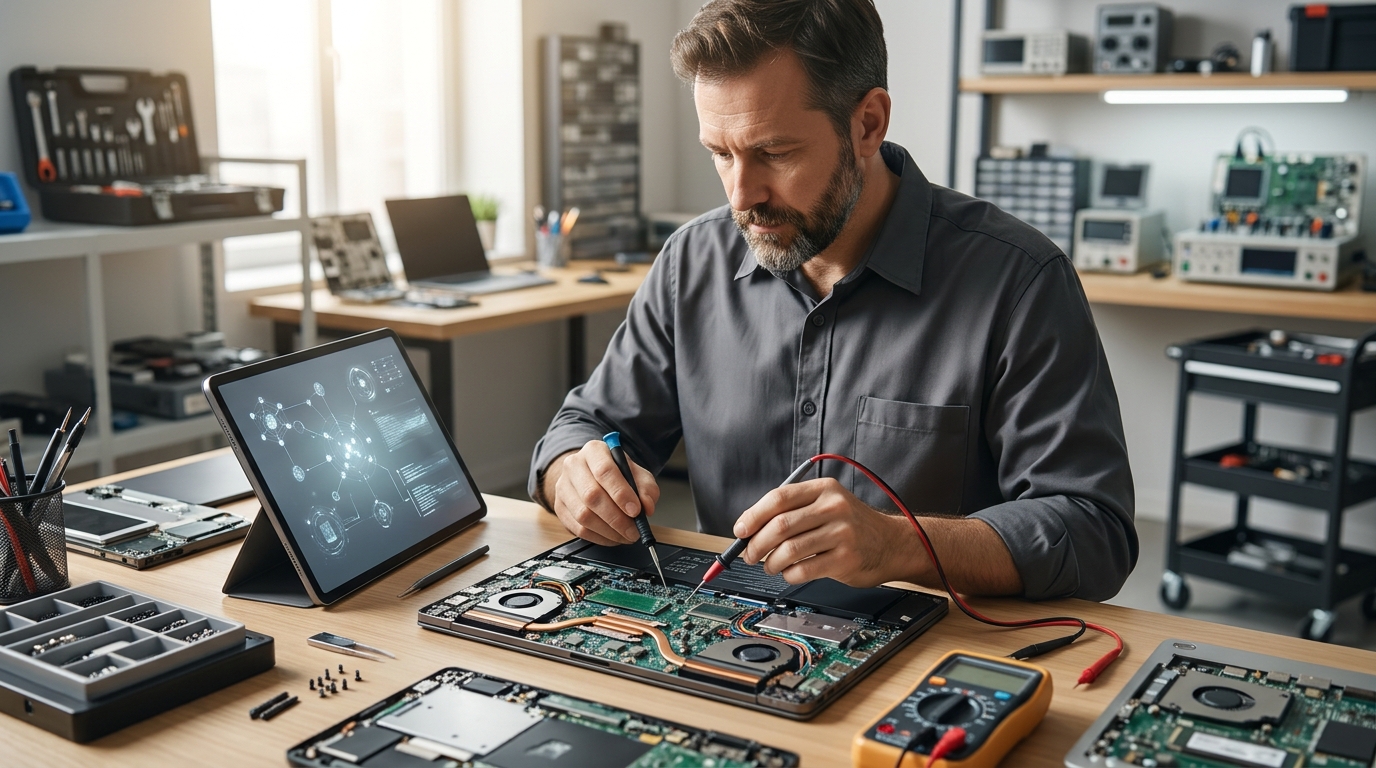
Choosing between automated software and human technicians depends on the specific hardware failure. AI diagnostic tools excel at software errors, driver conflicts, and network configuration issues. Professional repair is required for physical damage, complex motherboard failures, and data recovery. FaultFox provides the automated layer for software troubleshooting, while professional services handle the physical layer. For additional details, review the FaultFox AI Tech Troubleshooting.
AI Diagnostic Tools for Home Users
Strengths of AI Diagnostics
Speed is the primary advantage. AI systems can scan a Windows registry or analyze a router log in seconds. They provide immediate, actionable fixes for common problems like blue screens, printer spooler errors, and driver incompatibilities. FaultFox specializes in this area, offering clear explanations for error messages and guided fixes for Windows, printers, and network issues. For additional details, review the Frequently Asked Questions.
Limits of AI Diagnostics
These tools cannot touch physical components. If a hard drive is clicking, a laptop screen is cracked, or a power supply is failing, software cannot fix it. AI diagnostics also struggle with unique, one-off hardware failures that do not match known error patterns. They are best suited for software and configuration problems. For additional details, review the About.
Professional Computer Repair Services
Professional computer repair is a service where a certified technician physically inspects, disassembles, and repairs hardware components. This approach is necessary for issues that require physical access to the machine. Technicians have the tools and training to replace parts, clean thermal paste, and diagnose electrical faults.
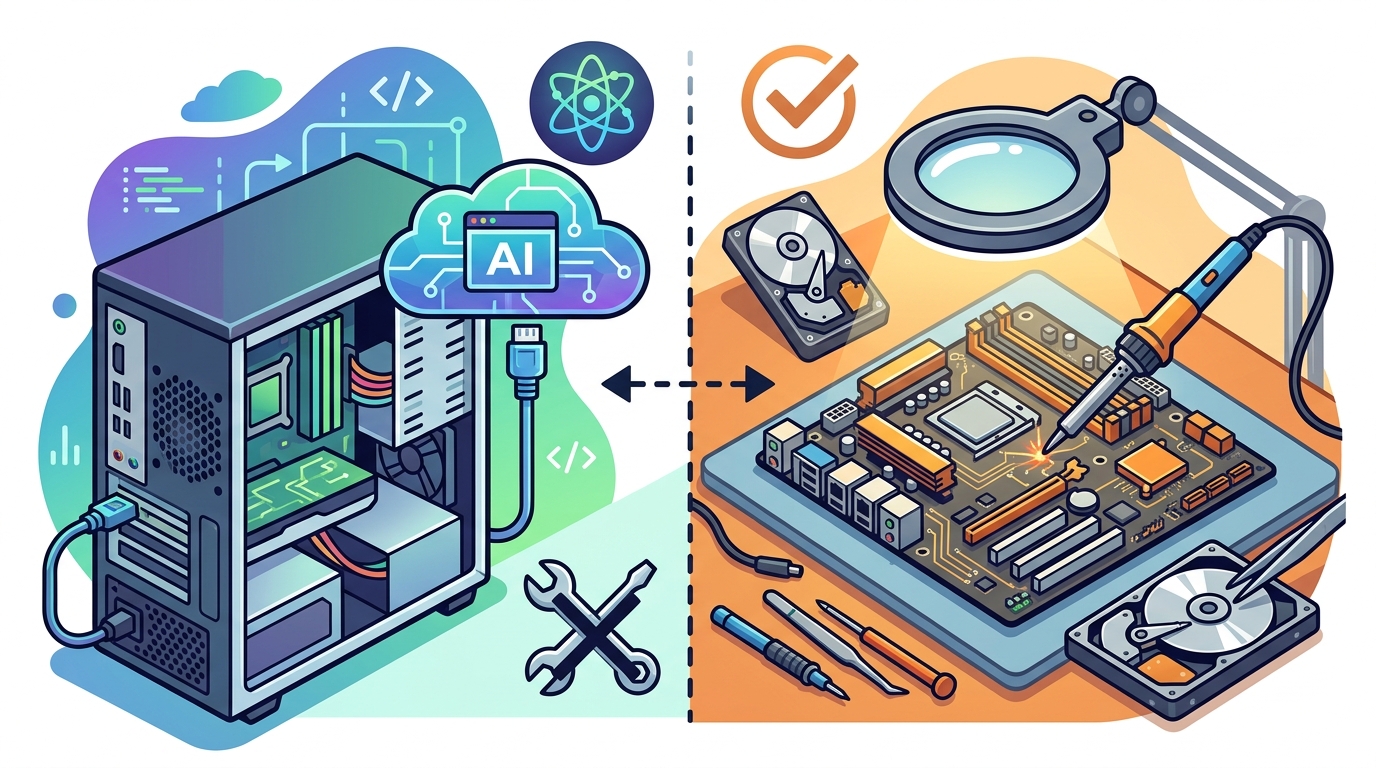
Strengths of Professional Repair
Physical access is the key benefit. Technicians can replace failing hard drives, upgrade RAM, and repair broken ports. They can also perform data recovery from damaged drives, a task that is impossible with software alone. For complex systems like workstations or servers, professional repair ensures that the fix is permanent and safe.
Limits of Professional Repair
Cost and time are the main drawbacks. Professional services charge for labor and parts. A simple software issue that an AI tool could fix in minutes might cost hundreds of dollars if taken to a shop. Scheduling appointments and waiting for parts adds friction. It is often overkill for minor software glitches.
Comparison Table: AI Diagnostics vs Professional Repair
| Criteria | AI Diagnostic Tools | Professional Repair |
|---|---|---|
| Primary Focus | Software, Drivers, Network | Hardware, Physical Components |
| Speed of Resolution | Minutes to Hours | Days to Weeks |
| Cost Structure | Low or Subscription Based | High Labor and Parts Fees |
| Data Recovery Capability | Limited to Logical Errors | Full Physical and Logical Recovery |
| User Skill Required | Basic Computer Literacy | None (Technician Handles All) |
| Best For | Blue Screens, Slow Performance, Wi-Fi | Broken Screens, Dead Power, Clicking Drives |
Choose AI Diagnostics If...
Choose Professional Repair If...
Frequently Asked Questions
Can AI tools fix a computer that will not turn on?
No. If a computer does not power on, the issue is almost often hardware related, such as a failed power supply or motherboard. AI tools require the operating system to be running to analyze logs. You must seek professional repair for power-on failures.
Is it safe to use AI diagnostics on a new computer?
Yes, provided you use reputable tools. AI diagnostics generally only read system logs and suggest changes. They do not typically install unwanted software. However, always review the suggested fixes before applying them to ensure they align with your needs.
What is the switching cost between AI tools and professional repair?
The switching cost is minimal. You can use an AI tool to diagnose an issue and then take the machine to a professional if the software fix fails. The main cost is time. You may spend an hour on software fixes before realizing a hardware repair is needed.
Do AI tools replace the need for backups?
No. AI tools can fix software errors, but they cannot guarantee data safety. If a drive fails physically, data may be lost regardless of software fixes. Always maintain regular backups of important files.
How do I know if my issue is software or hardware?
Look for physical symptoms. If the machine is making unusual noises, showing physical damage, or failing to power on, it is likely hardware. If the machine powers on but shows error messages or runs slowly, it is likely software. Start with AI diagnostics for software issues.
Conclusion
AI diagnostics and professional repair serve different purposes. Use AI tools for software, driver, and network issues. Use professional services for physical damage and complex hardware failures. FaultFox helps you navigate the software side with clear, step-by-step fixes, ensuring you only pay for professional help when it is truly necessary.