
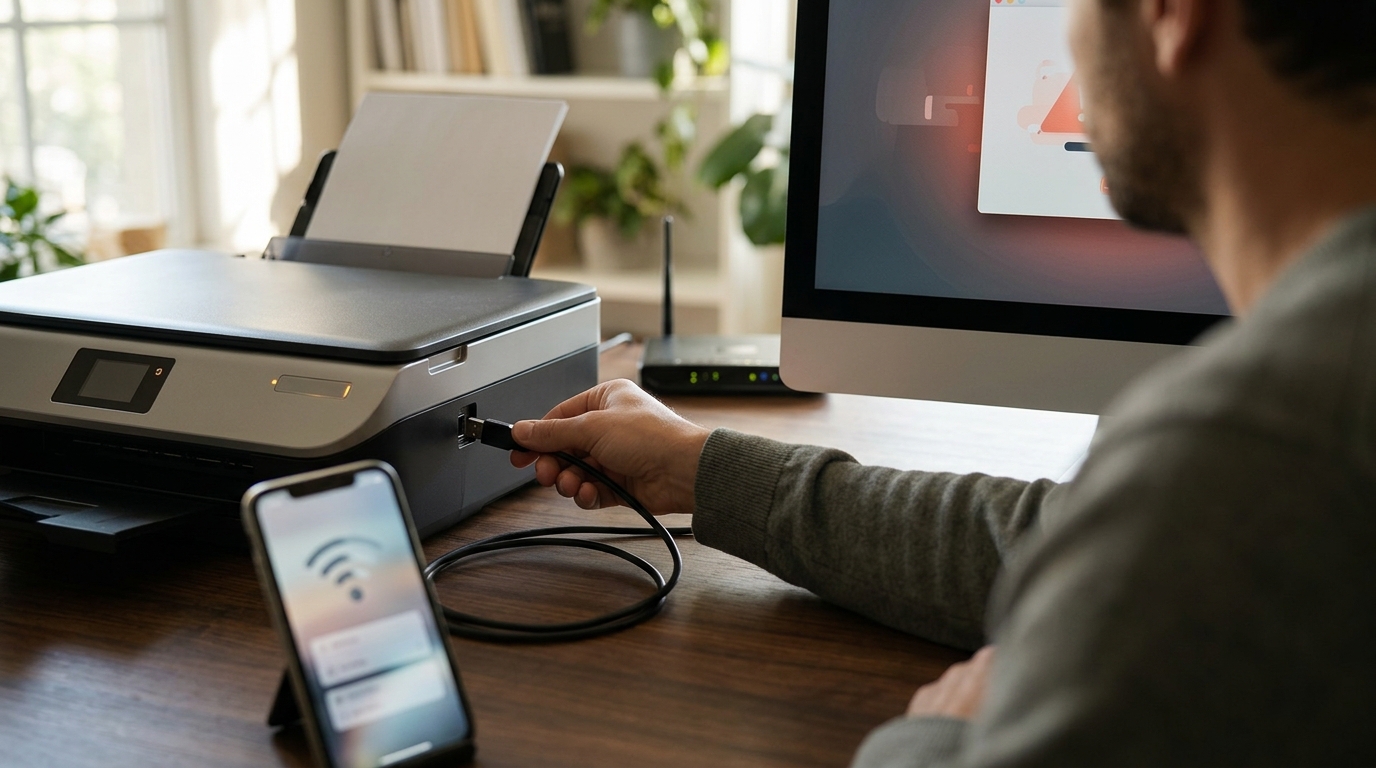
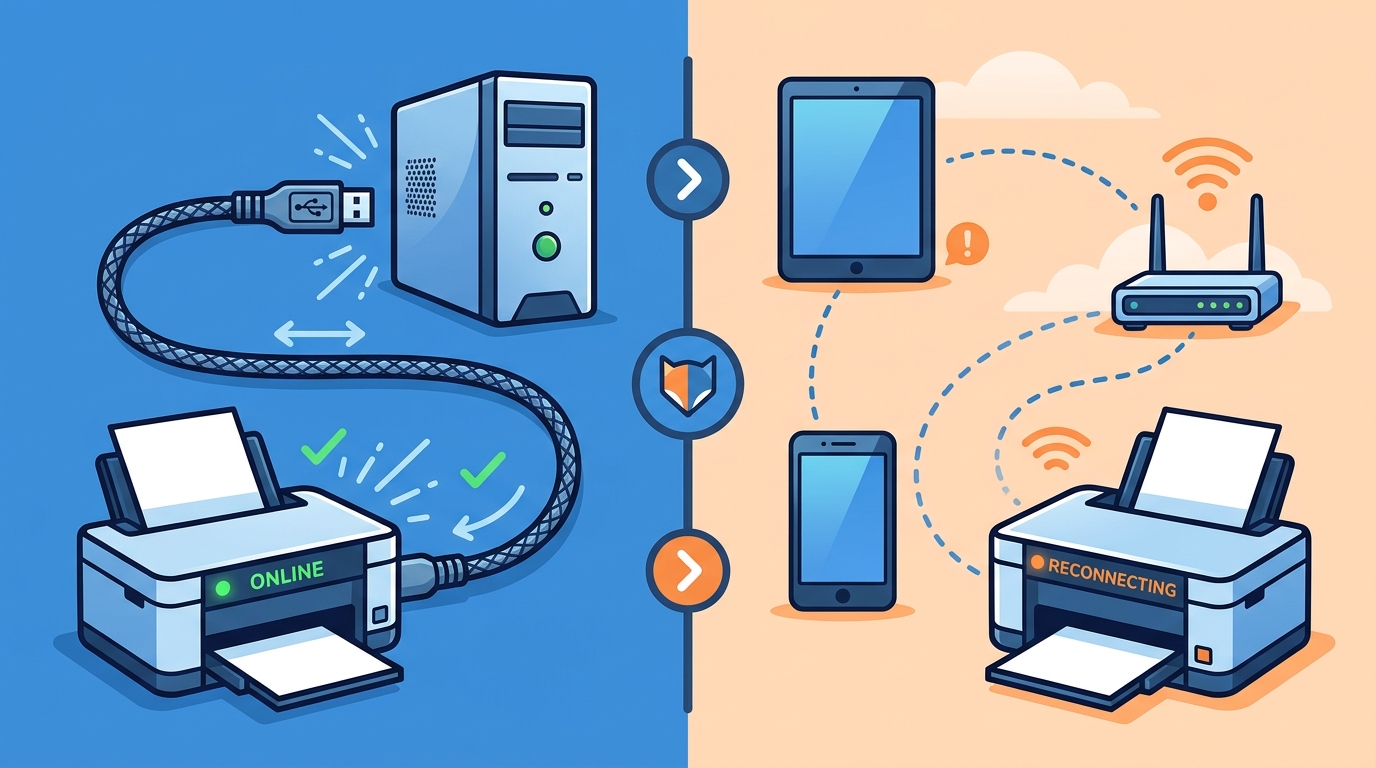
For most users, a USB connection is the most reliable method to fix an offline printer because it bypasses network instability entirely. WiFi reconnection is better for mobile users who need flexibility, but it requires more troubleshooting steps. FaultFox helps you diagnose which method suits your specific hardware and error state. If you are stuck, the right choice depends on whether you prioritize stability or mobility.
USB Connection: Stability and Direct Control
USB connection is a direct physical link between your computer and the printer. This method is ideal for desktop users who need consistent, high-speed printing without network interference. When a printer goes offline over USB, the issue is usually local to the computer or the cable itself. It is rarely a network problem. This makes USB troubleshooting faster and more predictable.
Strengths of USB
Limits of USB
The main limit is physical tethering. You cannot print from a laptop in another room or from a phone. If you move your computer, you must move the printer or use a network connection. USB also requires a compatible cable and a working port on both devices.
For users who need a stable, always-on printing solution, USB is the superior choice. It eliminates the variables that cause most WiFi printer issues. If your printer is offline and you are using USB, check the cable and port first.
WiFi Reconnection: Flexibility and Remote Access
Strengths of WiFi
The primary strength of WiFi is mobility. You can print from any device on the network, including phones and tablets. This is essential for modern workflows where printing is not tied to a single desktop. It also allows for remote printing if your network supports it. WiFi is the best choice for households with multiple users.
Limits of WiFi
The main limit is instability. Routers reboot, IP addresses change, and signal strength varies. These factors can cause a printer to go offline unexpectedly. Troubleshooting WiFi issues often involves checking router settings, renewing IP leases, and ensuring the printer is on the same network band as your computer. It is more complex than USB.
Comparison Table: USB vs WiFi for Offline Printers
| Criteria | USB Connection | WiFi Reconnection |
|---|---|---|
| Reliability | High | Medium |
| Setup Complexity | Low | Medium |
| Mobile Compatibility | Low | High |
| Troubleshooting Difficulty | Easy | Harder |
| Best For | Desktop Users | Mobile/Multi-User |
Choose USB If...
Choose USB if you are a desktop user who needs consistent, reliable printing. It is the best method for office environments where stability is critical. If you do not need to print from a phone or laptop in another room, USB is the simpler and more robust choice. It minimizes the variables that can cause offline errors.
Choose WiFi If...
Choose WiFi if you need to print from multiple devices or locations. It is the best method for home users and mobile workers who value flexibility. If you have a modern printer with WiFi capabilities and a stable home network, WiFi is the more convenient option. It allows for a more dynamic printing workflow.
Frequently Asked Questions
Can I switch from USB to WiFi on the same printer?
Why does my WiFi printer go offline after a router reboot?
This happens because the printer receives a new IP address from the router, but your computer still remembers the old one. To fix this, you need to re-add the printer or assign it a static IP address. This prevents the offline error from recurring after network changes.
Is USB faster than WiFi for printing large documents?
Yes, USB generally offers faster data transfer rates than WiFi. For large, high-resolution documents, USB can significantly reduce print times. WiFi speeds can vary based on signal strength and network congestion, making it less predictable for large jobs.
What should I do if both USB and WiFi fail?
If both connections fail, the issue is likely with the printer itself or the computer. Check the printer's power and error lights. Restart both the printer and the computer. If the problem persists, use a diagnostic tool to identify the specific fault. FaultFox can help you analyze the error and guide you through the fix.
Do I need a special cable for USB printing?
No, you need a standard USB cable that matches the ports on your printer and computer. Most printers use USB Type-B to Type-A cables. Ensure the cable is not damaged and is securely connected at both ends. A faulty cable is a common cause of USB offline errors. Learn more: Fix Windows Blue Screen.