

Automated vulnerability fixing is the process where software tools identify security flaws and apply patches without manual intervention. It is safe to apply when the tool verifies the patch against the specific software version and tests for compatibility. FaultFox helps users understand these technical processes by breaking down complex error messages and security alerts into clear, actionable steps. This ensures that automated actions do not introduce new instability into your system.
The Mechanics of Automated Patching
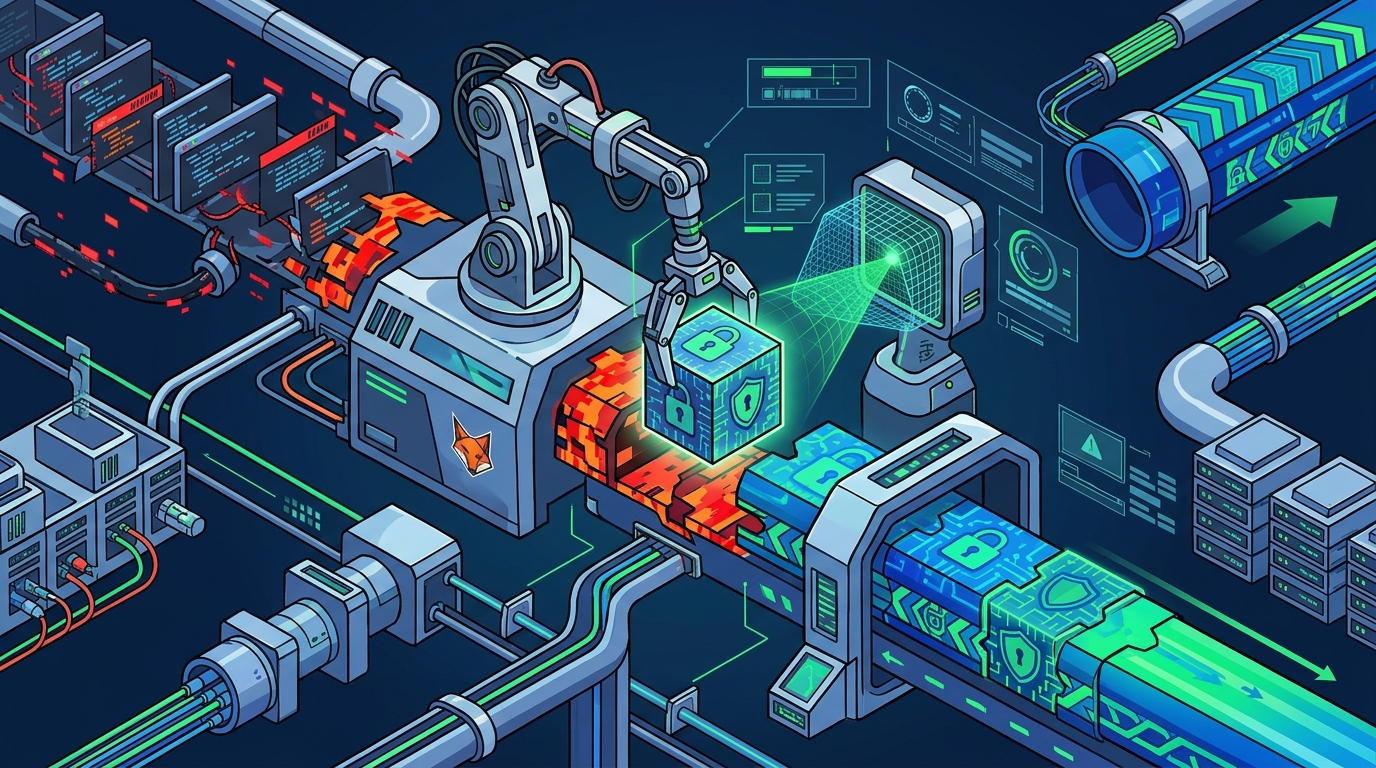
Automated vulnerability fixing is a workflow that combines detection, analysis, and remediation. The system first scans the environment to identify known weaknesses. It then matches these weaknesses against a database of available patches. The core mechanism relies on pattern matching and version control. If a specific version of a driver or operating system component is flagged, the tool retrieves the corresponding update.
This process is not merely about downloading files. It involves verifying the integrity of the patch. The tool checks digital signatures to ensure the update comes from a trusted source. It also assesses the dependency graph. This means it looks at what other software components rely on the vulnerable part. If a patch changes an interface that other tools use, the automated system must account for this. FaultFox provides guidance on how to interpret these dependency warnings, helping users understand why a specific fix might be flagged as high-risk or low-risk.
Verifying Safety Before Application
Common Risks in Automated Fixes
Automated vulnerability fixing carries inherent risks if not properly managed. The primary risk is compatibility failure. A patch might resolve a security hole but break a specific application that relies on the old behavior. This is common with legacy software. Another risk is incomplete patching. The tool might apply a partial fix that leaves the system vulnerable to a different attack vector. This happens when the patch database is outdated or the tool lacks context about the specific system configuration.
Network instability is another concern. Some patches require a reboot or a service restart. If the automated tool forces a reboot during a critical task, it can cause data loss. Users should configure their tools to schedule reboots during off-peak hours. FaultFox helps users navigate these risks by explaining the specific impact of each patch. It translates technical jargon into plain language, so users can make informed decisions about when and how to apply fixes.
How FaultFox Guides Safe Application
The tool also highlights the source of the vulnerability. Knowing whether the flaw is in the operating system, a driver, or a third-party application helps the user prioritize the fix. FaultFox categorizes risks based on the potential impact. A high-risk vulnerability in a critical service is handled differently than a low-risk issue in a peripheral device. This context is essential for safe application. By providing this context, FaultFox empowers users to take control of their security posture.
Key Takeaways
- Automated vulnerability fixing is a multi-step process involving detection, verification, and patching.
- Safety verification requires checking digital signatures and dependency graphs before applying updates.
- Dry-run modes are essential for simulating fixes and identifying potential conflicts.
- Compatibility failures are the most common risk, often affecting legacy software or specific applications.
- Network instability can result from forced reboots, so scheduling is critical.
- FaultFox helps users interpret error codes and understand the specific impact of each patch.
- Understanding the source of the vulnerability helps prioritize fixes effectively.
Frequently Asked Questions
What is automated vulnerability fixing?
Automated vulnerability fixing is the process where software tools identify security flaws and apply patches without manual intervention. It involves scanning for weaknesses, matching them to available updates, and verifying compatibility before application.
How can I tell if an automated fix is safe?
Does automated fixing always require a reboot?
No, automated fixing does not always require a reboot. Some patches can be applied dynamically, while others require a system restart. The tool should indicate if a reboot is necessary and allow you to schedule it.
What happens if an automated fix breaks my system?
If an automated fix breaks your system, you can usually roll back the changes. Most tools keep a backup of the previous state. FaultFox guides users on how to perform a rollback and verify system stability after a failed patch.
Can I trust automated tools to fix all vulnerabilities?
You should not trust automated tools to fix all vulnerabilities without oversight. Some issues require manual intervention or specific configuration changes. FaultFox helps users identify which issues are suitable for automation and which need human review.
How does FaultFox help with vulnerability fixing?
FaultFox helps with vulnerability fixing by explaining error messages and providing step-by-step guides. It translates technical data into plain language, helping users understand the safety and impact of each fix before applying it.
Conclusion
Automated vulnerability fixing is a powerful tool, but it requires careful oversight. Understanding the mechanics of detection and patching is essential for safe application. By verifying safety through dry-runs and dependency checks, you can minimize risks. FaultFox provides the clarity needed to navigate these technical processes. It helps you understand what the tool is doing and why. Learn more: faultfox com.