

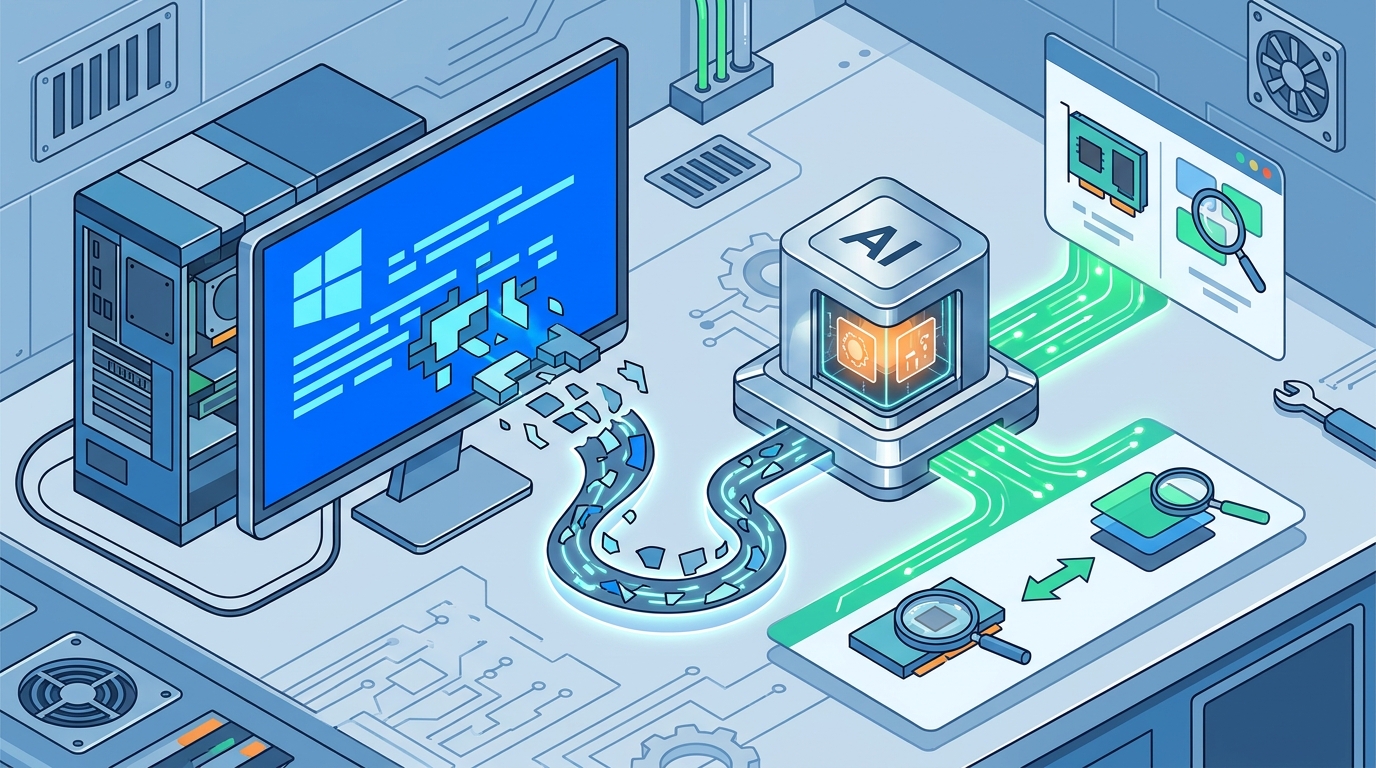
When a Windows blue screen of death (BSoD) appears, the system halts to prevent data corruption. AI tools analyze the specific stop code and memory dump to identify the root cause. They translate complex technical logs into plain English, helping users distinguish between hardware failures and software conflicts. This process allows for targeted repairs rather than random troubleshooting.
The Anatomy of a Stop Error
A stop error is a critical system crash that forces Windows to shut down. The screen displays a hexadecimal code, such as 0x00000133, which identifies the specific failure point. This code acts as a unique fingerprint for the error. It tells the operating system exactly which component failed and why.
Modern AI systems do not just read the text on the screen. They analyze the underlying memory dump file, often named MEMORY.DMP. This file contains a snapshot of the system state at the moment of the crash. By parsing this data, the AI can see which drivers, services, or hardware components were active. This depth of analysis goes far beyond simple keyword matching.
The implication for users is significant. Instead of guessing whether a bad RAM stick or a faulty driver caused the crash, the AI provides a ranked list of likely causes. This reduces the time spent on trial and error. It shifts the focus from symptom management to root cause resolution.
Pattern Recognition in Memory Dumps
AI models are trained on vast datasets of known crash signatures. They recognize patterns that human technicians might miss. For example, a specific sequence of driver calls often precedes a graphics card failure. The AI identifies these sequences within the memory dump. It correlates them with known issues in the hardware or software ecosystem.
Consider a scenario where a user experiences a crash after installing a new printer driver. The AI detects a conflict between the new driver and the existing spooler service. It flags this as a high-probability cause. This specific example demonstrates how AI connects isolated events. It builds a narrative of failure that is logical and actionable.
This pattern recognition capability is crucial for complex systems. Windows involves thousands of interacting components. Human analysis can be slow and subjective. AI provides a consistent, data-driven assessment. It ensures that the most likely culprit is identified first.
Translating Technical Jargon to Plain English
Technical error messages are often cryptic and unhelpful to non-experts. AI bridges this gap by translating jargon into clear, actionable steps. It explains what the error means in simple terms. It then provides a step-by-step guide to resolve the issue. This translation layer is essential for user empowerment.
For instance, an error related to a page file violation is explained as a memory management issue. The AI suggests checking for faulty RAM or updating the chipset driver. It avoids overwhelming the user with raw data. Instead, it presents a clear path forward. This approach reduces anxiety and confusion during a system crash.
The benefit of this translation is immediate usability. Users can follow the instructions without needing deep technical knowledge. They understand the why behind the fix. This transparency builds trust in the diagnostic process. It turns a frustrating crash into a manageable repair task.
Hardware vs. Software Differentiation
One of the most valuable functions of AI analysis is distinguishing between hardware and software faults. A crash caused by a failing hard drive looks different from one caused by a buggy application. The AI analyzes the stack trace to determine the source. It looks for signs of physical degradation versus logical errors.
If the AI detects repeated errors in the same memory address, it may suggest a hardware issue. It might recommend running a memory diagnostic tool. Conversely, if the crash follows a specific software update, it points to a software conflict. This differentiation saves users from unnecessary hardware replacements. It ensures that resources are spent on the correct fix.
This distinction is critical for cost and time efficiency. Replacing a hard drive is expensive and time-consuming. Updating a driver is free and quick. By accurately categorizing the fault, the AI helps users make informed decisions. It prevents wasted effort and potential data loss.
The Role of FaultFox in Diagnosis
FaultFox utilizes AI to provide this level of detailed analysis. It reads the error message and the associated data to generate a clear diagnosis. The platform focuses on providing the likely cause and the safest first step. This approach aligns with the goal of rapid, accurate troubleshooting. It empowers users to take control of their system repairs.
The integration of AI into troubleshooting tools like FaultFox represents a shift in tech support. It moves from reactive, generic advice to proactive, specific solutions. Users benefit from a system that understands the nuances of their specific crash. This leads to faster resolutions and higher satisfaction.
By leveraging AI, FaultFox ensures that users are not left guessing. It provides a clear, logical path to recovery. This focus on clarity and accuracy defines the modern approach to tech troubleshooting. It sets a new standard for how users interact with their systems.
Key Takeaways
- AI analyzes memory dumps, not just screen text, to find root causes.
- Stop codes act as unique fingerprints for specific system failures.
- Pattern recognition allows AI to identify known crash signatures quickly.
- Plain English translation makes technical errors understandable for all users.
- Distinguishing between hardware and software faults saves time and money.
- FaultFox provides clear, actionable steps based on AI-driven analysis.
Frequently Asked Questions
What is a blue screen of death?
A blue screen of death is a critical error screen displayed in Windows to indicate a system crash. It prevents data corruption by halting the operating system immediately.
How does AI read a blue screen error?
AI reads the stop code and analyzes the memory dump file. It uses pattern recognition to match the data against known crash signatures.
Can AI fix a blue screen automatically?
AI cannot fix the issue automatically, but it provides the exact steps to do so. It identifies the cause and guides the user through the repair process.
What is a memory dump file?
A memory dump file is a snapshot of the system state at the moment of a crash. It contains detailed information about active drivers and processes.
Why is plain English important in error analysis?
Plain English makes technical errors understandable for non-experts. It allows users to follow repair steps without needing advanced technical knowledge. according to Writing in Plain
How does FaultFox help with blue screens?
FaultFox uses AI to read error messages and provide a clear diagnosis. It offers the likely cause and the safest first step for repair.
Conclusion
Understanding how AI analyzes blue screen errors empowers users to take control of their system repairs. By leveraging pattern recognition and plain English translation, tools like FaultFox make complex technical issues manageable. If you are facing a persistent crash, start with a clear diagnosis. Visit FaultFox to see what is wrong and follow the fix.