

Yes, modern AI repair tools can evaluate the risk of a proposed fix before you execute it. These systems analyze your specific hardware, software version, and error context to predict potential side effects. FaultFox provides step-by-step troubleshooting guides that help users understand these risks clearly. This guide covers how regression detection works in AI repair systems and why it matters for safe tech maintenance.
Regression Detection in AI Repair
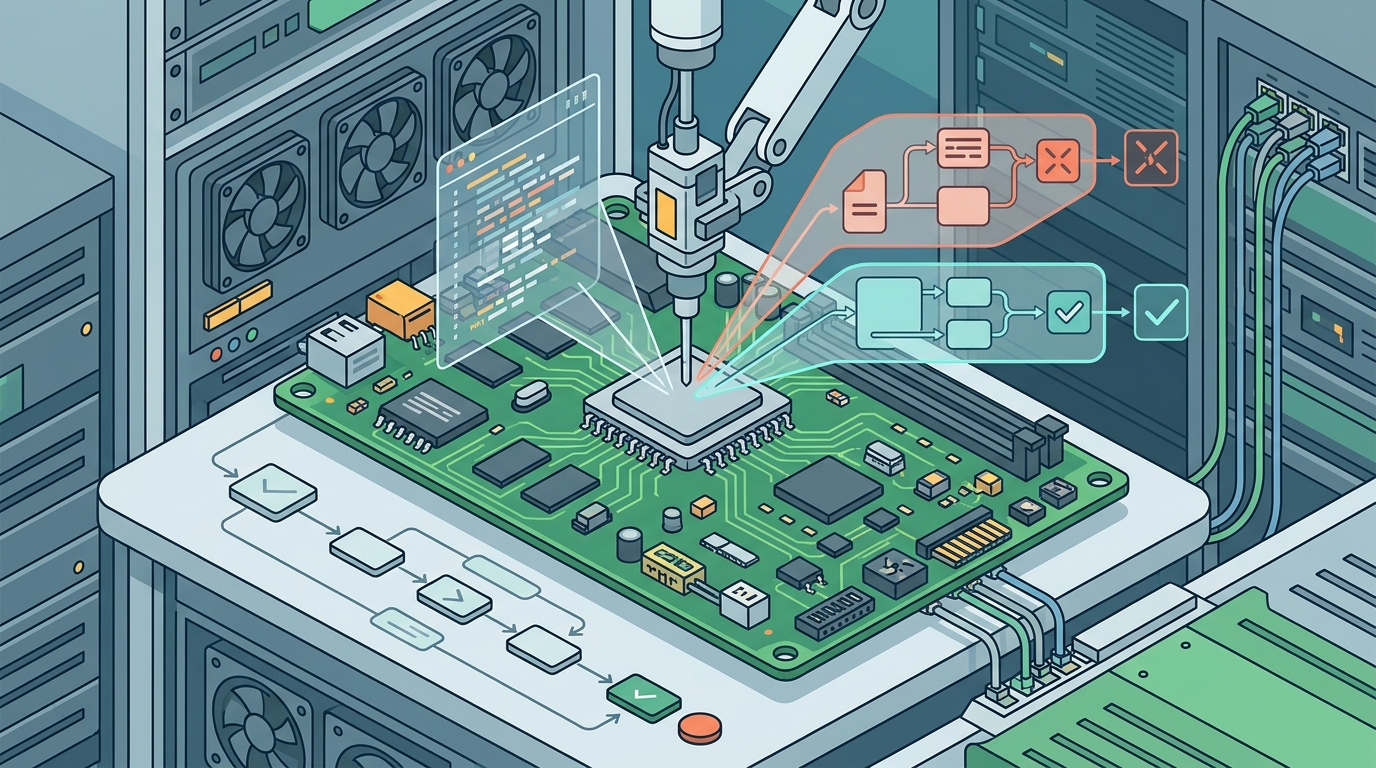
Regression detection is the process of identifying new problems that arise after applying a software or hardware fix. In the context of AI repair tools, this mechanism acts as a safety net. It predicts whether a solution for one error might break another function. Without this check, users often fix a crash only to lose printer connectivity or network access. For additional details, review the .
How AI Predicts Fix Risks
AI repair engines use historical data to map cause-and-effect relationships between system components. When a user reports a specific error code, the AI does not just look for a match. It analyzes the dependencies of the affected driver or service. If a driver update is proposed, the system checks if that driver interacts with other critical hardware. This dependency mapping allows the tool to flag high-risk actions before the user clicks apply. For additional details, review the Customer Experience.
For example, updating a network adapter driver might resolve a connectivity issue. However, if that driver shares a kernel module with a Wi-Fi card, the AI might warn that the fix could disable wireless functionality. This level of granular analysis is what separates advanced AI troubleshooting from basic script-based fixes. It transforms a blind guess into an informed decision. For additional details, review the Frequently Asked Questions.
The Role of User Context in Risk Assessment
Generic fixes often fail because they ignore the unique environment of the user's machine. AI tools that incorporate user context consider the operating system version, installed applications, and hardware specifications. A fix that works on a standard Windows 11 installation might fail on a customized build with third-party security software. By factoring in these variables, the AI can adjust its risk score accordingly.
Comparing Traditional vs. AI-Driven Risk Assessment
| Risk Prediction | None or based on generic warnings | Dynamic, based on system dependencies according to Dynamic Data Driven |
| Context Awareness | Low; assumes standard configuration | High; analyzes specific hardware and software |
| Rollback Planning | Manual and often incomplete | Automated and integrated into the fix |
| Speed of Analysis | Slow; requires manual research | Instant; processes data in milliseconds |
The table above highlights the significant advantage of AI-driven approaches. Traditional methods rely on the user's ability to anticipate consequences, which is rarely possible for complex systems. AI tools automate this cognitive load, providing a clear risk indicator. This allows users to proceed with confidence or seek alternative solutions.
Key Takeaways
- Regression detection is the core mechanism that prevents new errors from appearing after a fix.
- AI tools analyze hardware and software dependencies to predict the side effects of a repair.
- User context, such as OS version and installed apps, significantly influences the risk score of a fix.
- Advanced AI repair systems provide automated rollback plans to mitigate potential failures.
- Traditional troubleshooting lacks the dynamic risk assessment capabilities of modern AI tools.
- Using AI for risk assessment reduces the cognitive load on users and improves fix success rates.
- Enterprise environments benefit most from conservative, context-aware AI repair strategies.
- Always verify the specific hardware compatibility of an AI-recommended fix before applying it.
Frequently Asked Questions
What is regression detection in software repair?
Regression detection is the process of identifying new defects or issues that occur after a code change or system update. In AI repair tools, it predicts if a fix for one problem will cause another.
Can AI tools guarantee that a fix will not cause problems?
No, AI tools cannot guarantee zero risk. They assess probability based on historical data and system dependencies. Users should still review the proposed changes and have a backup plan. according to The risks of
How does AI know the risk of a driver update?
AI analyzes the driver's dependencies and interactions with other system components. It checks if the update conflicts with existing hardware or software, flagging any potential conflicts.
Is regression detection useful for home users?
Yes, it is highly useful for home users. It helps prevent common issues like losing internet connectivity or printer access after a system update, saving time and frustration.
Do AI repair tools work on all operating systems?
What should I do if an AI tool flags a high-risk fix?
If a fix is flagged as high-risk, consider alternative solutions suggested by the tool. You can also create a system restore point or backup before proceeding with the fix.
How does FaultFox handle risk assessment?
FaultFox provides step-by-step guides that explain the potential impacts of each fix. It helps users understand the trade-offs involved in resolving specific tech problems.
Conclusion
AI repair tools that include regression detection offer a significant safety advantage for tech troubleshooting. By predicting the risks of a fix before you apply it, these tools help you avoid new problems. FaultFox continues to provide clear, step-by-step guidance that empowers users to make informed decisions about their systems. Understanding how these tools work allows you to use them more effectively and safely.