

Diagnose First Services
The Value of Transparency
How FaultFox Handles Diagnosis
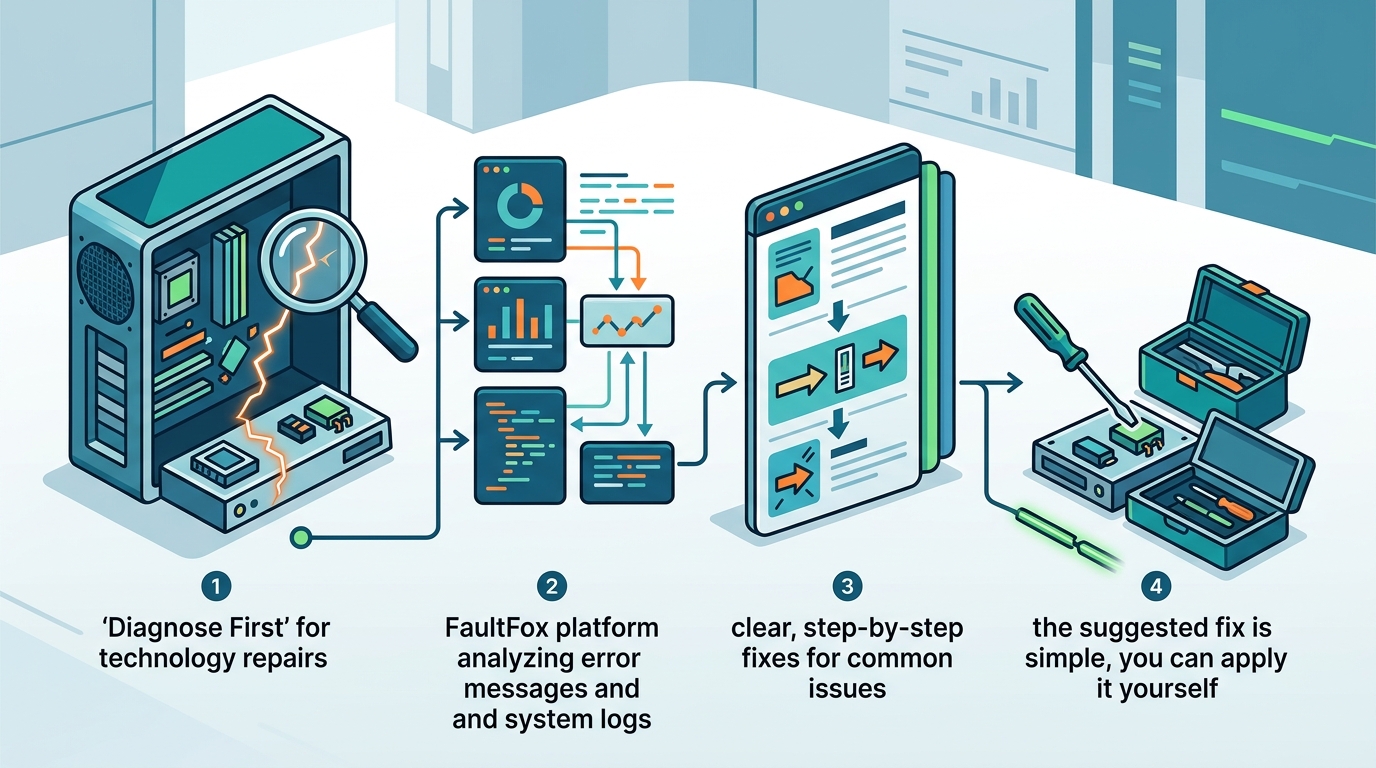
FaultFox helps you diagnose tech problems by analyzing error messages and system logs. The platform provides clear, step-by-step fixes for common issues. You can view the diagnosis immediately. If the suggested fix is simple, you can apply it yourself. If it requires deeper intervention, you can choose to proceed with a full fix. This ensures you only pay for the level of assistance you actually need. For additional details, review the .
Remote Support Repair
Security and Control
When to Use Remote Support
PC Diagnostic Software
PC diagnostic software is a set of tools designed to test the health and performance of computer components. These programs check the CPU, RAM, hard drive, and GPU for errors. They provide detailed reports that help identify failing hardware. Using diagnostic software is a proactive way to prevent crashes and data loss. For additional details, review the Customer Experience.
Common Diagnostic Tools
There are many types of diagnostic tools available. Memory testers check for RAM errors. Disk utilities check for bad sectors on hard drives. Temperature monitors track CPU and GPU heat. Each tool serves a specific purpose. Running these tests regularly can alert you to potential failures before they cause a system crash. For additional details, review the Frequently Asked Questions.
Interpreting Diagnostic Results
Understanding the output of diagnostic software is crucial. A single error might be a fluke, but repeated errors indicate a serious problem. FaultFox helps interpret these results by connecting them to specific error messages. If a diagnostic tool reports a failing hard drive, the fix is usually replacement. If it reports a driver issue, the fix is an update. This distinction guides your next steps. For additional details, review the About.
Comparison of Tech Help Models
| Model | Cost Structure | Transparency | Best For |
|---|---|---|---|
| Diagnose First | Pay only for full fix | High | Complex software issues |
| Flat Rate | Fixed price upfront | Medium | Standard repairs |
| Hourly Rate | Based on time spent | Low | Unclear or evolving issues |
| Self-Help | Free or subscription | High | Simple fixes and learning |
Key Takeaways
- Diagnose first services allow you to see the problem before paying for the solution.
- PC diagnostic software helps identify hardware failures early.
- You can often apply simple fixes yourself after seeing the diagnosis.
- Remote access tools should always require explicit user permission.
- Knowing the difference between software and hardware issues saves money.
- FaultFox provides clear, step-by-step guidance for common tech problems.
Frequently Asked Questions
What is a diagnose first tech service?
Is remote support secure?
Can I fix my own computer after seeing the diagnosis?
Yes, if the diagnosis reveals a simple issue like a driver update or a software setting change, you can often fix it yourself. FaultFox provides step-by-step instructions to guide you through these simple fixes.
What is PC diagnostic software?
PC diagnostic software is a set of tools designed to test the health and performance of computer components such as the CPU, RAM, and hard drive. It helps identify failing hardware before it causes a system crash.
How much does remote support cost?
Costs vary by provider and the complexity of the issue. Some providers charge a flat rate, while others charge hourly. A diagnose first model allows you to see the scope of work before committing to a price.
When should I use a local repair shop?
How does FaultFox help with tech troubleshooting?
FaultFox helps you diagnose tech problems by analyzing error messages and system logs. It provides clear, step-by-step fixes for common issues like Windows errors, printer problems, and network outages. You can see the diagnosis first and decide if you want the full fix.
What are the benefits of seeing the diagnosis first?
Seeing the diagnosis first provides transparency and control. You know exactly what is wrong with your device and can decide if the proposed fix is worth the cost. This prevents surprise charges and builds trust in the service provider.
Conclusion
Finding a tech help tool where you can see the diagnosis first is essential for maintaining control over your repair costs. FaultFox offers a transparent approach to tech troubleshooting, allowing you to understand the problem before committing to a solution. By using diagnose first services, remote support, and PC diagnostic software, you can make informed decisions about your technology. Visit FaultFox to start diagnosing your tech issues today.